Google Just Turned AI Studio Into a Full-Stack App Factory
Google's new Anti-Gravity agent inside AI Studio builds real-time multiplayer apps with automatic Firebase setup — from a single prompt. Here's how it works, how it compares to Claude Code and Codex, and how to start building with it today.
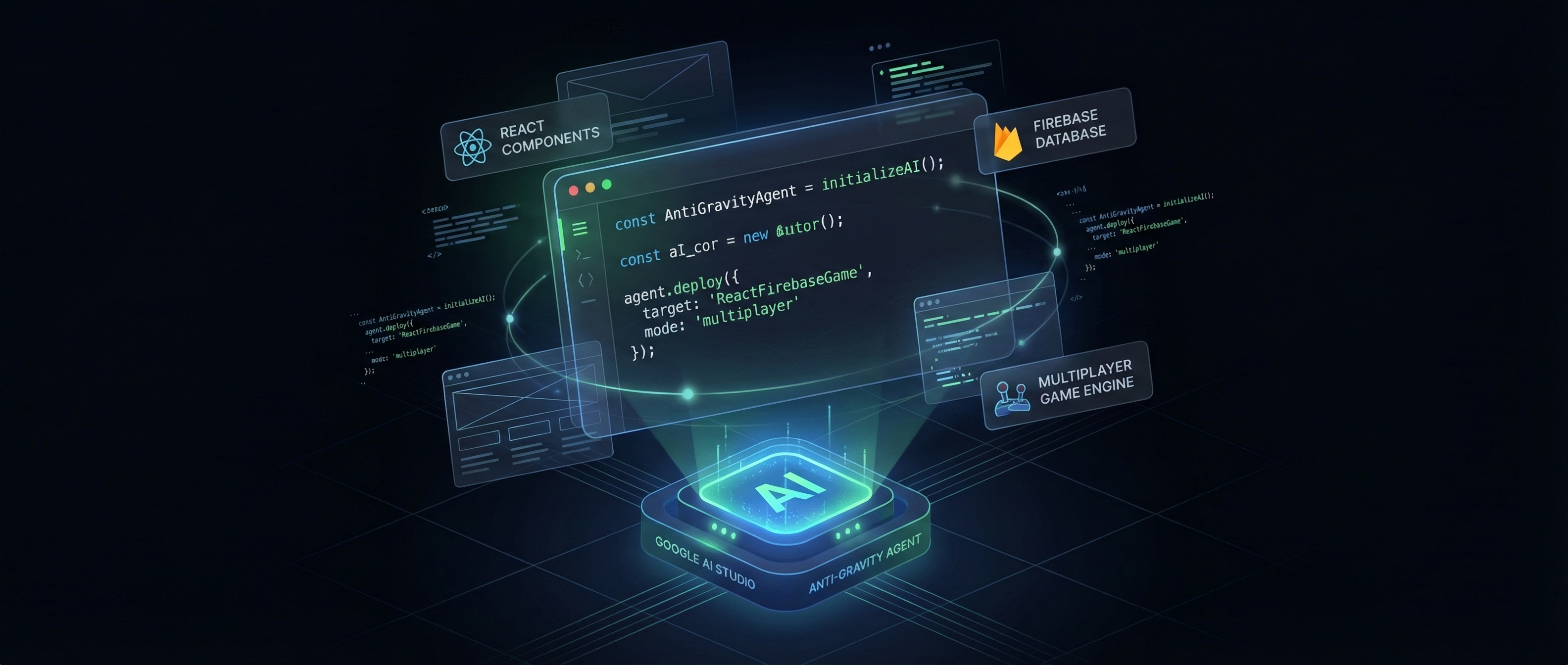
Google just shipped a coding agent that builds multiplayer games from a prompt.
Not a todo app. Not a static landing page. A real-time, multiplayer first-person shooter with live player syncing, database persistence, and authentication — all generated from a text description in Google AI Studio.
The agent is called Anti-Gravity, and it represents the most aggressive move Google has made in the AI coding agent space. While Claude Code and Codex have dominated the conversation around autonomous coding, Anti-Gravity takes a fundamentally different approach: instead of running in your terminal, it runs in the browser — and it ships with batteries included.
What Is Anti-Gravity?
Anti-Gravity is Google's new coding agent embedded directly inside AI Studio. It's not a separate product — it's a mode within the AI Studio interface that turns natural language prompts into full-stack web applications.
Here's what makes it different from anything else on the market right now:
Automatic Infrastructure Provisioning
This is the killer feature. When you describe an app that needs a database, Anti-Gravity doesn't just generate Firestore code and leave you to configure the backend. It detects the requirement, creates the Firestore instance, sets up security rules, and configures Firebase Authentication — all within the generation flow.
No Firebase console. No manual project setup. No copying API keys between services. The agent handles the entire infrastructure stack.
Real-Time Multiplayer Out of the Box
Most AI coding agents can build single-user apps competently. Anti-Gravity can build apps where multiple users interact in real time. Live cursors, shared state, synchronized game loops — the kind of networking code that typically requires significant backend engineering experience.
The demo that turned heads: a retro-style multiplayer FPS laser tag game, complete with player spawning, real-time position syncing, projectile physics, and scoring — all generated from a prompt. The game supports dozens of simultaneous players, each seeing the others move in real time.
Framework Support
Anti-Gravity isn't locked to vanilla JavaScript. It supports:
- React — component-based UIs with hooks and state management
- Angular — full TypeScript support with services and dependency injection
- Next.js — server-side rendering, API routes, and static generation
You specify the framework in your prompt, and the generated code follows that framework's conventions and best practices.
Session Persistence
Your Anti-Gravity sessions persist across devices. Start building on your desktop, continue on your laptop, review on your phone. Google backs the session state to your Google account, so nothing is lost when you close a tab.
Secrets Management
Building an app that needs a Stripe API key? Google Maps? A third-party webhook? Anti-Gravity includes built-in secrets management — store sensitive values securely without hardcoding them into generated code or environment files.
Watch the full AI Revolution breakdown of Anti-Gravity's capabilities:
The Multiplayer FPS Demo: What Anti-Gravity Actually Built
Let's break down the laser tag game demo, because it illustrates both the strengths and the current boundaries of Anti-Gravity.
What the prompt asked for: A retro-style multiplayer FPS where players can join, move around a map, and shoot laser projectiles at each other, with scoring and respawn mechanics.
What Anti-Gravity delivered:
- 3D rendering using Three.js with retro-styled, low-poly environments
- Real-time player sync via Cloud Firestore real-time listeners — each player's position, rotation, and actions stream to all connected clients
- Firebase Authentication for player identity — anonymous auth by default, with Google sign-in as an option
- Projectile system with client-side prediction and server-side hit detection
- Scoring and respawn — kill tracking, leaderboard, and timed respawns
- Lobby system — players see who's online before entering the game
The total generation time was under 10 minutes. The result was a deployable, multi-file web application with frontend, backend logic, database schema, and authentication — all wired together and functional.
Stitch 2.0: Google's Free Figma Alternative (That Exports Code)
Anti-Gravity gets even more interesting when paired with Stitch 2.0 — Google's AI-native design tool that shipped alongside the AI Studio update.
Stitch lets you design interfaces visually — drag components, set layouts, define responsive breakpoints — and then export directly to production-quality React or Next.js code. It's essentially a free Figma alternative with a twist: the output isn't just a design file, it's actual framework code.
The workflow that's gaining traction in the community:
- Design in Stitch — use the visual canvas to lay out your UI
- Export as React/Next.js — Stitch generates component code with proper props, state management, and styling
- Paste into your coding agent — feed the exported code into Claude Code or Anti-Gravity for backend integration, business logic, and deployment
This creates a design-to-deployment pipeline that's entirely AI-powered and entirely free. No Figma subscription. No separate handoff process. No design-to-code translation gap.
Watch Chase AI's deep dive on the Stitch 2.0 workflow:
Anti-Gravity vs. Claude Code vs. Codex
The AI coding agent space is moving fast enough that educators are already switching tools mid-semester:

Meanwhile, the competition is pushing everyone forward. Y Combinator president Garry Tan called out Claude's improvements as a step function:

The three major AI coding agents in 2026 each take a fundamentally different approach. Here's how they compare for real-world development work.
| Feature | Anti-Gravity | Claude Code | Codex |
|---|---|---|---|
| Price | Free (Google account) | $20/mo (Max plan) | $20/mo (ChatGPT Plus) |
| Execution | Browser-based | Local terminal (CLI) | Cloud sandbox |
| Infrastructure | Auto-provisions Firebase | Manual setup | Manual setup |
| Multiplayer/Real-time | Built-in | Manual implementation | Manual implementation |
| Framework Support | React, Angular, Next.js | Any (framework-agnostic) | Any (framework-agnostic) |
| Context Window | Gemini 2.5 Pro (1M tokens) | Opus 4.6 (1M tokens) | GPT 5.4 (128K tokens) |
| Code Quality | Good for scaffolding | Excellent for production | Strong on benchmarks |
| Existing Codebase | Limited (new projects) | Excellent (reads your repo) | Good (GitHub integration) |
| Session Persistence | Yes (cross-device) | Yes (Remote Tasks) | Yes (cloud sessions) |
Where Anti-Gravity Wins
Free tier with infrastructure. This is the clearest advantage. Claude Code requires a Max subscription ($20/month). Codex requires ChatGPT Plus ($20/month). Anti-Gravity is free with a Google account. And it doesn't just generate code — it sets up the entire Firebase backend for you.
Multiplayer and real-time apps. No other coding agent handles real-time synchronization as a first-class feature. If your project involves multiple users interacting simultaneously, Anti-Gravity is currently the fastest path from idea to working prototype.
Zero setup. Open a browser, write a prompt, get an app. No CLI installation. No API key management. No terminal configuration. This matters enormously for beginners and for rapid prototyping sessions.
Where Claude Code and Codex Still Lead
Working with existing codebases. Anti-Gravity is designed for greenfield projects. If you need to modify, refactor, or extend an existing codebase, Claude Code remains the best tool for the job. It reads your entire repo, understands your architecture, and makes surgical edits. Anti-Gravity can't do this.
Code quality and nuance. Claude Code (powered by Opus 4.6) consistently produces more maintainable, better-structured code — especially for complex business logic, error handling, and edge cases. Anti-Gravity generates functional code quickly, but it tends toward scaffolding-quality output that needs refinement for production use.
Flexibility. Claude Code runs any language, any framework, any toolchain. It can run your tests, interact with your CI pipeline, commit to Git, and manage your deployment. Anti-Gravity is currently limited to web applications within its supported framework set.
Getting Started: Your First Anti-Gravity App
Here's how to build your first app with Anti-Gravity in under 5 minutes.
Step 1: Open AI Studio
Navigate to aistudio.google.com and sign in with your Google account.
Step 2: Select the Anti-Gravity Agent
In the AI Studio interface, look for the coding agent option. Select Anti-Gravity as your agent mode. This activates the full-stack generation capabilities, including Firebase auto-provisioning.
Step 3: Write Your Prompt
Be specific about what you want. Anti-Gravity works best with detailed prompts that specify:
- App type — what does it do?
- Framework — React, Angular, or Next.js
- Features — authentication, database, real-time sync
- UI style — dark mode, minimal, colorful, retro
Example prompt:
Build a React app for a collaborative task board (like Trello).
Features:
- Google sign-in authentication
- Create, edit, and delete task cards
- Drag-and-drop cards between columns (To Do, In Progress, Done)
- Real-time sync so multiple users see changes instantly
- Dark mode UI with smooth animations
Step 4: Review and Deploy
Anti-Gravity generates the full application — frontend components, Firestore data model, authentication flow, and real-time listeners. Review the generated code, test it in the preview panel, and deploy directly to Firebase Hosting.
Prompt Tips for Better Results
- Specify the database schema — "Store tasks with fields: title (string), description (text), status (enum: todo/progress/done), assignedTo (user reference), createdAt (timestamp)"
- Request error handling — "Include error boundaries, loading states, and offline fallback"
- Define user roles — "Admin users can delete any card; regular users can only edit their own"
- Ask for responsive design — "Mobile-friendly layout that works on tablets and phones"
The Bigger Picture: AI Coding Is Fragmenting
What's happening in 2026 is a fragmentation of the AI coding market into specialized tools:
- Anti-Gravity dominates quick prototyping and real-time web apps
- Claude Code dominates working with existing codebases and production-quality engineering
- Codex dominates benchmark performance and Python-heavy workflows
- Cursor and Windsurf dominate the IDE-integrated experience
The smart play isn't choosing one tool — it's knowing which tool to use for which job. Design in Stitch, prototype in Anti-Gravity, build production systems in Claude Code, and deploy with your existing CI/CD pipeline.
For developers just starting with AI-assisted coding, Anti-Gravity's zero-cost, zero-setup approach makes it the best on-ramp. For experienced developers building production systems, it's a powerful prototyping companion that pairs well with more capable tools for the final implementation.
If you're building your first AI-powered app, Anti-Gravity is genuinely the fastest path from idea to working demo. And with Google's full API ecosystem behind it, the integration possibilities are only going to expand.
What's your experience with Anti-Gravity? We're collecting user reports on real-world generation quality. Drop us a line and let us know what you've built.
About ComputeLeap Team
The ComputeLeap editorial team covers AI tools, agents, and products — helping readers discover and use artificial intelligence to work smarter.
💬 Join the Discussion
Have thoughts on this article? Discuss it on your favorite platform:
Related Articles
Krea 2: Open-Weights Image Model That Caught the Frontier
Krea 2 is a 12B open-weights image model rivaling closed APIs. Here is what the technical report reveals and how to run it locally.
Unlimited-OCR vs Mistral OCR 4: Which One Wins?
Baidu and Mistral both shipped OCR models the same day. One is open-weight and parses 40-page PDFs in one shot. The other costs $4/1K pages.
GLM-5.2 Is Cheap Because It's Subsidized, Not Efficient
GLM-5.2 burns 2x the tokens of its predecessor. The real cost edge is provider pricing — and it's repriceable overnight.
The ComputeLeap Weekly
Get a weekly digest of the best AI infra writing — Claude Code, agent frameworks, deployment patterns. No fluff.
Weekly. Unsubscribe anytime.