Chrome's Built-In MCP Server: Use It in Your Workflow
Chrome ships two native MCP capabilities: Chrome DevTools MCP for Claude Code, and WebMCP for turning any site into an AI agent tool. Setup guide inside.
Chrome Now Has a Built-In MCP Server: Use It in Your Development Workflow
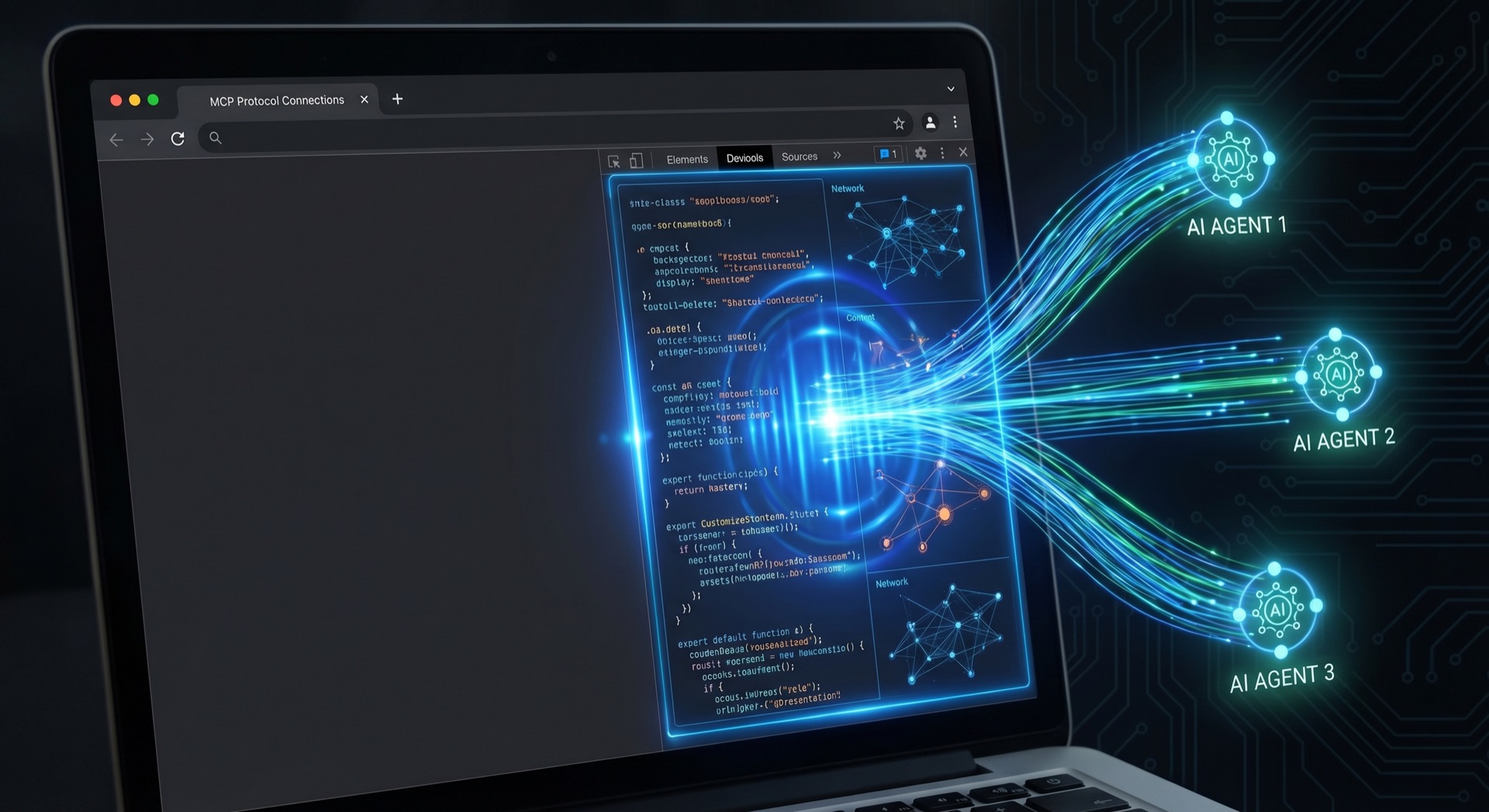
When Anthropic launched the Model Context Protocol in November 2024, the pitch was simple: a universal connector so AI assistants could talk to external tools without custom integration code for every combination. Eighteen months later, MCP has crossed 97 million installs and earned keynote time at AI Engineer Europe in London. But the more consequential development isn't the adoption numbers — it's where MCP is showing up now.
Chrome has it. Not as a third-party extension you wire up. As infrastructure.
Two parallel capabilities — Chrome DevTools MCP and WebMCP — mean that the "configure your own MCP server" era is giving way to something more fundamental: the protocol embedded in the browser itself. This guide covers what they are, how they differ, and how to use both in your development workflow today.
The Two Chrome MCP Capabilities Developers Need to Know
Before diving in, it helps to understand that these are two different things serving two different purposes.
Chrome DevTools MCP is a Model Context Protocol server that gives AI coding agents like Claude Code access to Chrome's DevTools layer. Console logs, network requests, performance traces, DOM state — all exposed as MCP tools your agent can call. It's available now, installable in minutes.
WebMCP is a proposed web standard (co-developed by Google and Microsoft, incubated through the W3C Web Machine Learning community group) that lets any website expose structured, callable tools directly to AI agents through the browser API navigator.modelContext. It's in early preview in Chrome 146 Canary.
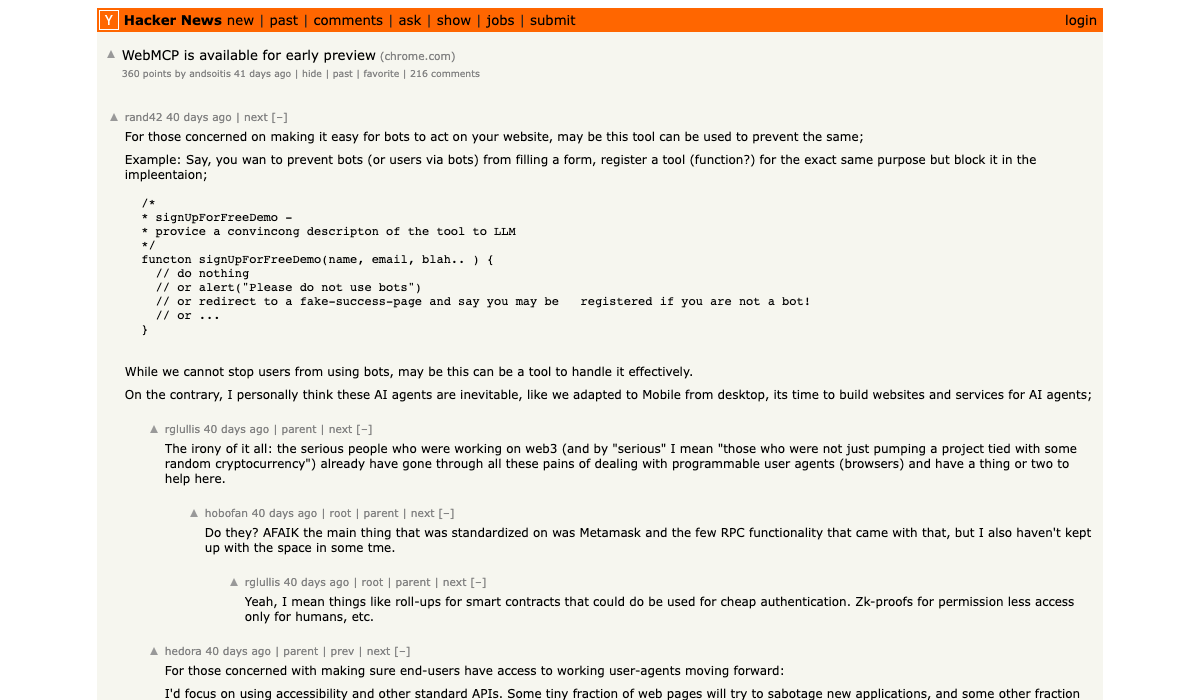
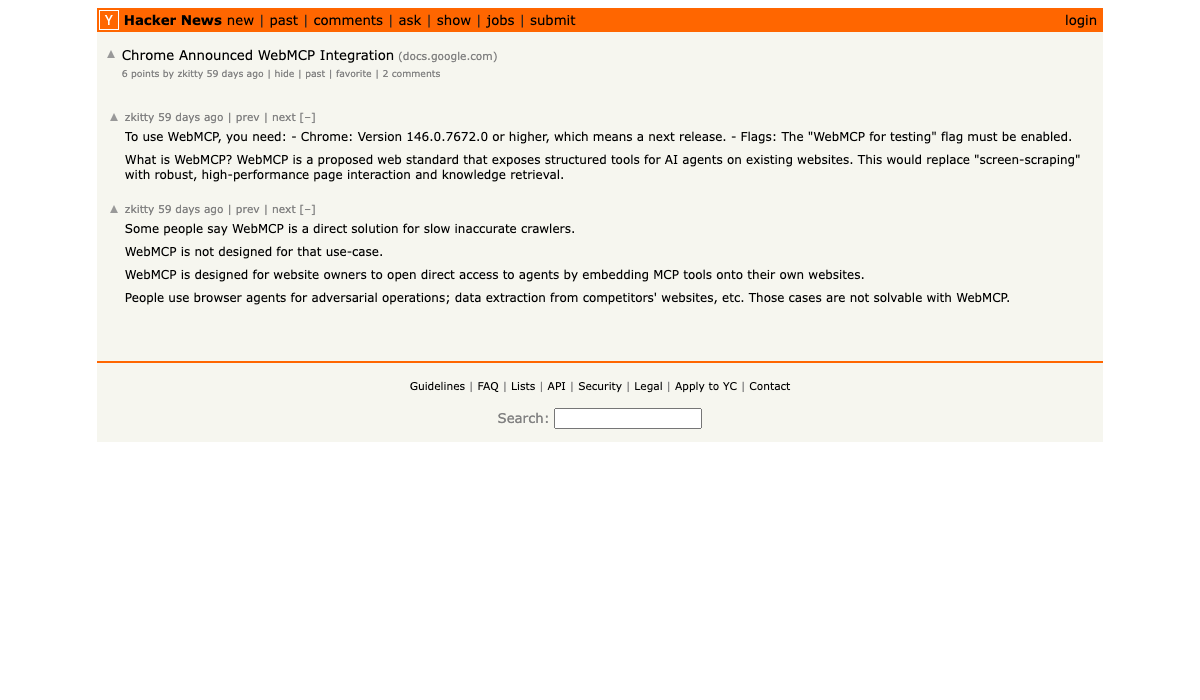
Both represent the same directional shift. When Chrome announced WebMCP integration, hundreds of Hacker News comments followed because developers recognized what it means — AI agents interacting with browsers through structured protocols instead of screen scraping and DOM guessing.
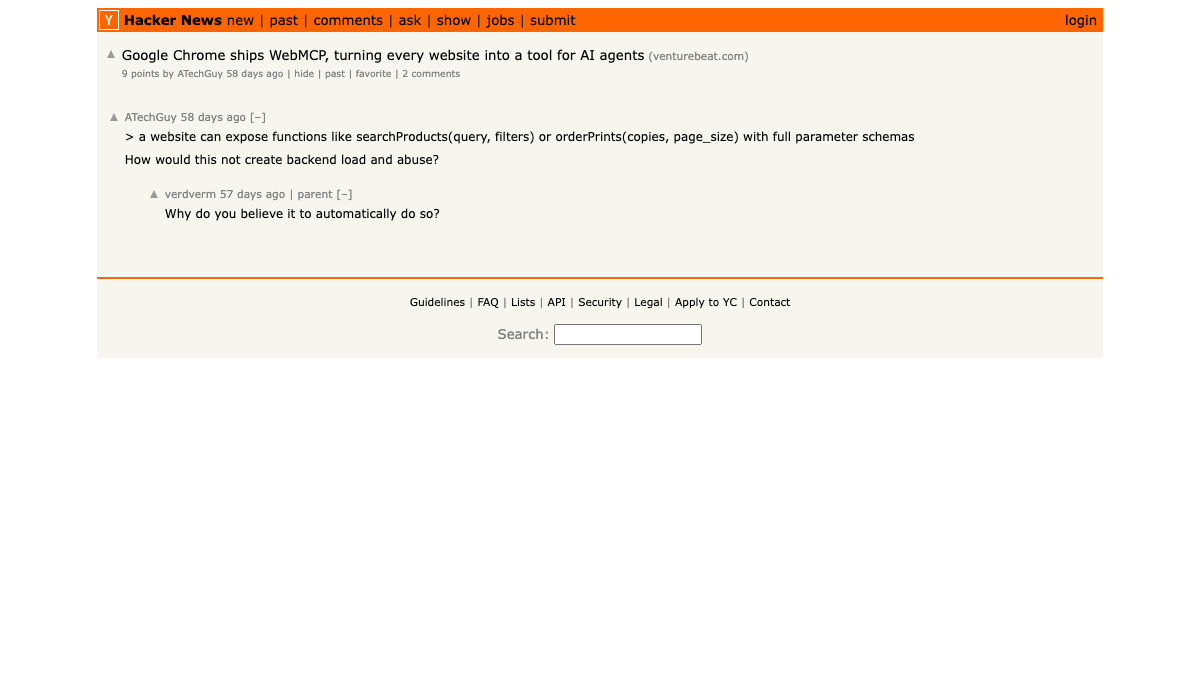
The VentureBeat headline said it plainly: "Google Chrome ships WebMCP, turning every website into a tool for AI agents."
That's the destination. The question is how you use the infrastructure that's available right now.
Chrome DevTools MCP: Claude Code Meets the Browser
The Chrome DevTools MCP was published as a public preview in September 2025 by Mathias Bynens and Michael Hablich from the Chrome team. The core pitch: AI coding assistants should be able to debug web pages directly in Chrome and benefit from DevTools capabilities without leaving their terminal workflow.
It's built on the Model Context Protocol — the same standard your other tools speak. Once connected, Claude Code gains access to:
list_pages— see all open tabsnavigate_page— open URLstake_snapshot— capture page state via the accessibility tree (lower token cost than screenshots)take_screenshot— visual capture when you need pixel-level inspectionclickandfill— interact with page elementsevaluate_script— run JavaScript in the browser context- Network request inspection — identify failing API calls, CORS errors, latency spikes
- Console log analysis — capture errors with full stack traces
- Performance tracing — start traces, measure LCP, TTI, and other web vitals
The practical workflow: you're debugging a React component and Claude Code is helping you. Instead of copy-pasting console errors into the chat, Claude Code reads them directly from Chrome, identifies the source file, and proposes a fix — all without you switching context.
According to community testing, this approach can reduce debugging time by up to 40%. The mechanism is simple: the feedback loop between "I see an error" and "I understand the error in context" collapses from minutes to seconds.
Chrome DevTools MCP works with any tech stack — React, Vue, Svelte, plain HTML. It accesses Chrome's DevTools Protocol layer, which is framework-agnostic.
Step-by-Step: Connect Claude Code to Chrome DevTools MCP
There are two installation paths. The basic path works but misses the skills layer. Use the marketplace path.
The Marketplace Method (Recommended)
Step 1: Install via Claude Code's plugin marketplace. This gives you the full plugin including six built-in skills (debugging, performance audit, accessibility check, network analysis, and more):
claude plugin marketplace add ChromeDevTools/chrome-devtools-mcp
claude plugin install chrome-devtools-mcp
Step 2: Enable auto-connect so the server attaches to your existing Chrome session (with all your logins intact). Edit the plugin config at ~/.claude/plugins/cache/claude-plugins-official/chrome-devtools-mcp/latest/.claude-plugin/plugin.json:
{
  "mcpServers": {
    "chrome-devtools": {
      "command": "npx",
      "args": ["chrome-devtools-mcp@latest", "--autoConnect"]
    }
  }
}
Step 3: Enable remote debugging in Chrome. Navigate to chrome://inspect/#remote-debugging and check the remote debugging box. Chrome will ask for confirmation — click Allow.
Step 4: Restart Claude Code. Verify the connection by asking Claude to run list_pages — it should return your open tabs.
The Basic Method
If you prefer a minimal setup without the plugin layer:
claude mcp add chrome-devtools npx chrome-devtools-mcp@latest
Then verify with /mcp — "chrome-devtools" should show "Connected". If it shows disconnected, select Reconnect.
The --autoConnect flag is the key difference. Without it, the server tries to launch a fresh Chrome instance. With it, Claude Code attaches to your existing browser session — cookies, local storage, and authentication state included. This is what makes it work on authenticated apps.
Requires Chrome 144+. For CI environments and authenticated-site workflows, the claude-code-browser-mcp-setup guide covers advanced --remote-debugging-port configurations.
WebMCP: Chrome's Native Browser Agent API
Chrome DevTools MCP is about giving AI agents eyes on your browser during development. WebMCP is a different and more architectural idea: making websites themselves speak the agent protocol natively.
The announcement came in February 2026. As the Chrome for Developers blog explained: "WebMCP is available for prototyping to early preview program participants." Two browsers are already on board — Chrome 146 Canary and Microsoft Edge 147, which added support in March 2026.
The standard introduces two new browser APIs under navigator.modelContext:
Declarative API: Websites define standard actions directly in HTML — form submissions, product searches, navigation. Structured interactions that can be described statically.
Imperative API: Complex, dynamic interactions defined in JavaScript. For workflows that require application state, multi-step sequences, or real-time data.
The practical impact: instead of an AI agent guessing at your site's DOM structure and clicking coordinates, it calls named tools with typed parameters and receives structured JSON responses. A booking flow becomes bookFlight({origin, destination, date}). A support form becomes submitTicket({category, description, attachments}).
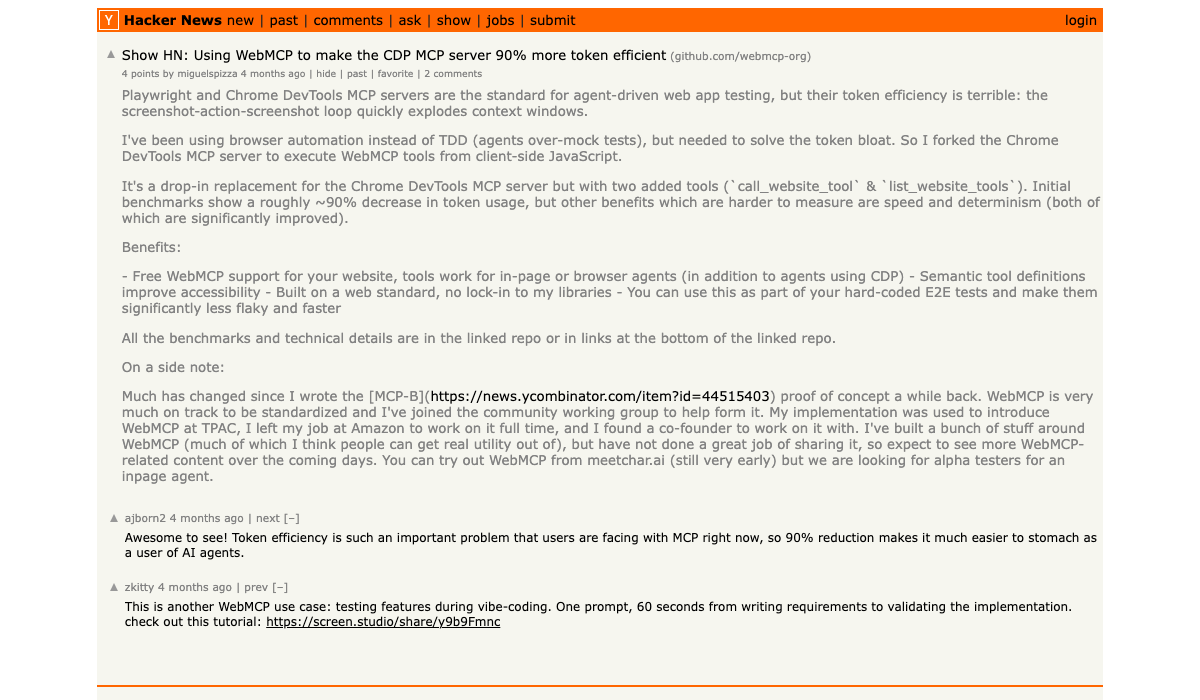
The Hacker News community captured the developer reaction when Chrome announced WebMCP: "WebMCP replaces screen-scraping with robust, high-performance page interaction." The efficiency gains are significant — a December 2025 Show HN post demonstrated using WebMCP to make the Chrome DevTools MCP server 90% more token-efficient. That number reflects how much waste exists in having agents interpret raw DOM versus receiving structured data.
WebMCP is currently in early preview. Developers can sign up for the Chrome for Developers Early Preview Program to access documentation and demos. The standard is available in Chrome 146 Canary behind the "WebMCP for testing" flag at chrome://flags.
MCP at AI Engineer Europe: The Protocol Becomes Infrastructure
The timing is not coincidental. AI Engineer Europe — April 8-10, 2026, at the Queen Elizabeth II Centre in London — made MCP a centerpiece of its program. Over 1,000 AI engineers attended Europe's first AI Engineer event.
Anthropic sent two speakers to make the case directly. David Soria Parra delivered the keynote "The Future of MCP," and Karan Sampath presented "Bringing MCPs to the Enterprise." MCP, Skills, and llms.txt were listed as central conference themes — as the Latent Space AINews recap put it, reflecting "the current focus on Model Context Protocol and AI standardization."
The MCP maintainer update from April 8 added Clare Liguori to the Core Maintainer group and Den Delimarsky as Lead Maintainer — governance investment at the scale you'd expect from an infrastructure standard, not an experimental tool.
This is the context for Chrome's MCP investments. The browser is where users live. If MCP is the protocol layer for AI agents, Chrome making it native isn't an experiment — it's the logical conclusion.
The Two-Layer Architecture: MCP vs WebMCP
The Chrome for Developers documentation frames the relationship clearly: complementary, not competing.
| MCP | WebMCP | |
|---|---|---|
| Scope | Server-side, platform-agnostic | Browser-bound, frontend |
| Persistence | Always available | Only when page is open |
| Transport | JSON-RPC, Streamable HTTP | navigator.modelContext browser API |
| Tools | Defined in server code | Defined in HTML or JavaScript |
| Use case | Core business logic, data, background tasks | In-browser interactions, UI state, live site |
The recommended architecture: "Use MCP as your foundational service layer for persistent operations, then layer WebMCP on top for contextual, in-browser interactions when users actively visit your website."
For a SaaS product, this means: your MCP server handles user data, billing, background jobs. Your WebMCP tools handle form fills, in-app navigation, state-aware actions that only make sense when a user is looking at a specific screen.
This connects directly to why Claude Managed Agents and the broader agentic ecosystem are accelerating. The infrastructure for agents that can reason about both your backend and your frontend is becoming standardized. Developers who understand both layers will build dramatically more capable agents than those who treat the browser as a black box.
If you're building a web app today and want to be WebMCP-ready when it ships to stable Chrome: start adding navigator.modelContext tool definitions to your JavaScript now. The API is testable in Chrome 146 Canary with the WebMCP flag enabled at chrome://flags.
What the MCP Spec Actually Changed
The November 2025 MCP specification (2025-11-25) was a substantive update that established the foundation Chrome's integrations are building on:
Tasks (async execution): Any MCP request can now become "call-now, fetch-later." Clients check task status and retrieve results asynchronously — unlocking long-running operations that previously required polling hacks.
Streamable HTTP: The HTTP transport is now more robust, with proper SSE stream polling and resumption. This is the foundation for horizontally-scalable MCP servers.
Extensions framework: A lightweight namespace and negotiation system for optional protocol extensions, keeping the core spec lean while the ecosystem grows.
OAuth and security: Aligned with RFC 9728, with tool icons and improved metadata.
The WorkOS analysis called the Tasks primitive "the unlock for async workflows in MCP" — and it's right. That foundation is what makes complex browser-integrated agentic workflows viable.
The 2026 MCP Roadmap adds four priorities: transport evolution for stateless HTTP servers, refinements to the Tasks primitive, governance maturation, and enterprise readiness (audit trails, SSO, gateway behavior). None of this is theoretical — it's responding to production deployments at scale.
For a broader look at how Claude Code fits into this evolution, the Claude Code Complete Guide covers the agent layer in depth. And for cloud-based agent execution that connects to these protocol foundations, see Claude Code Remote Tasks.
What This Means for How You Build
Two concrete actions based on where things stand today:
If you use Claude Code: Install Chrome DevTools MCP this weekend. The marketplace setup takes under five minutes. Use it on your next debugging session — the difference is immediate when Claude can read your console directly instead of relying on what you paste.
If you build web applications: Start thinking about WebMCP tool definitions for your most agent-relevant interactions. The standard is still in early preview, but the direction is clear enough to design for. Sites that ship native WebMCP tools before stable Chrome launches will be ahead of the wave — the same way sites that added structured metadata early were ahead of rich search results.
The deeper pattern: MCP started as something developers configured. It's becoming something that's just there — in your browser, in your terminal, in the protocol layer between the tools you build and the AI agents that use them.
Chrome having a built-in MCP server isn't a feature launch. It's a phase transition.
Questions about connecting Chrome DevTools MCP to your workflow? The chrome-devtools-mcp GitHub repo and community setup guide cover most edge cases. If you're building on MCP for the first time, Claude Managed Agents is the right starting point for the orchestration layer.
About ComputeLeap Team
The ComputeLeap editorial team covers AI tools, agents, and products — helping readers discover and use artificial intelligence to work smarter.
💬 Join the Discussion
Have thoughts on this article? Discuss it on your favorite platform:
Related Articles
DeepSeek-TUI Setup Guide: Rust Coding Agent on V4 Flash
Install DeepSeek-TUI, configure V4 Flash, run your first session, and decide when to use it vs Claude Code or cc-switch routing.
Cut Claude Code Token Costs 60-90% With rtk: Hands-On Guide
Stop dumping raw terminal output into Claude Code's context. rtk is a Rust CLI proxy that filters git, cargo, and npm output for 60-90% savings.
Chrome's Gemini Nano Prompt API: A Step-by-Step Guide
Enable the flag, call window.ai, stream from a 4GB local LLM. The full Chrome Prompt API setup with a hosted-API fallback for unsupported browsers.
The ComputeLeap Weekly
Get a weekly digest of the best AI infra writing — Claude Code, agent frameworks, deployment patterns. No fluff.
Weekly. Unsubscribe anytime.