Claude Code Opus 4.7: 7 Secrets from Its Creator
Boris Cherny built Claude Code and shared 7 expert patterns for Opus 4.7. These are the behaviors the tool was designed around—most developers miss them.
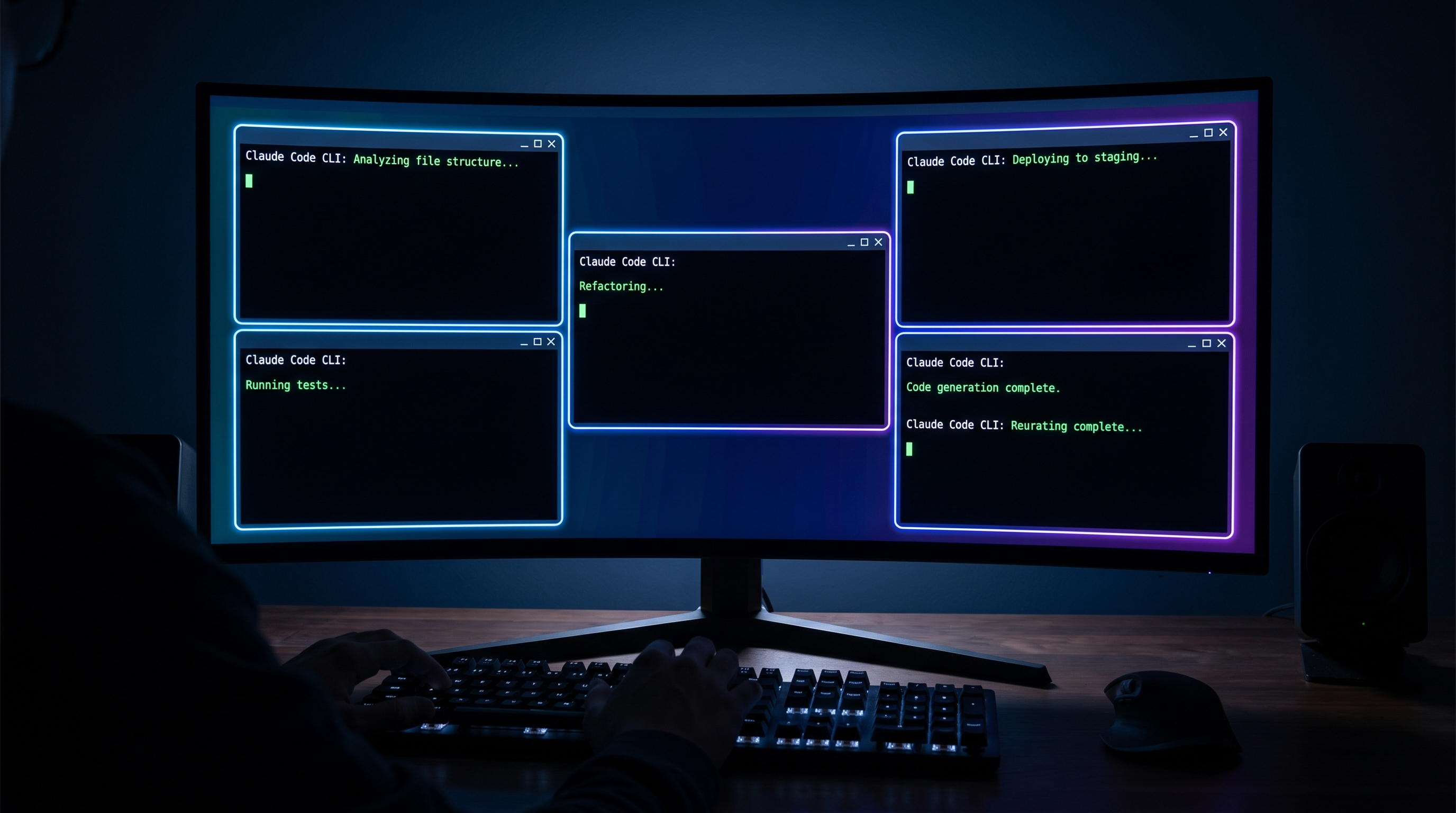
Boris Cherny built Claude Code. Not the model — the tool. The CLI that's now running unsupervised on tens of thousands of developer machines, shipping PRs while its owners sleep. On April 16, 2026, the same day Anthropic launched Claude Opus 4.7, Boris posted a set of tips to Threads that read less like product marketing and more like a senior engineer briefing his team before a big sprint.
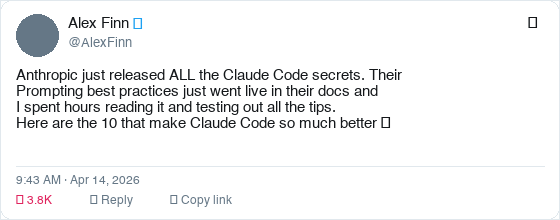
The video that captured this — Alex Finn's "The creator of Claude Code just revealed 7 secrets to using Claude Code (Opus 4.7)" — published today with strong early signal. But the substance predates the video. What Boris shared are the patterns his own team uses daily. The behavioral configurations they've wired into their workflows because they've learned, through thousands of hours of real usage, that these are the highest-leverage moves. This isn't a community tip list. It's creator-level intent.
Here's what Boris actually said — and what it means for your workflow.
Why Opus 4.7 Changes the Calculus
Before the secrets: why do these tips land differently on Opus 4.7 than on 4.6?
Three things changed. First, Opus 4.7 runs adaptive thinking instead of a fixed reasoning budget. It allocates thinking tokens based on actual task complexity — not a hard ceiling. Second, it's more literal. Where 4.6 would fill in implicit context you forgot to specify, 4.7 executes exactly what you wrote. Third, it ships with a new xhigh effort level as the default — deeper reasoning than high, without the runaway token cost of max.
The result is a model that rewards preparation over winging it. If you bring structure, it multiplies it. If you bring vague prompts, it returns vague work.
Each of the 7 secrets is a preparation strategy. Together they form the mental model that separates the developers shipping 20 PRs a day from the ones who are still babysitting Claude through basic tasks.
Secret 1: Auto Mode — Stop Babysitting Every Command
Boris's first tip is also the most immediately impactful: turn on Auto Mode.
Previously, Claude Code would pause every time it needed to run a command outside your explicit permissions list. Every npm run build, every git commit, every database query — an interruption. This was the right default for safety, but it made Claude a task partner you had to constantly supervise.
Auto Mode changes this. Instead of pausing for every unfamiliar command, Claude uses model-based classification to assess whether each action is safe. Low-risk operations (reading files, running tests, checking git status) proceed automatically. Genuinely risky operations (deleting files, pushing to remote, modifying system config) still pause for approval. You get the safety guarantees where they matter, and zero friction where they don't.
Enable it with Shift+Tab in the CLI, or via the dropdown in Claude Desktop or VS Code.
The productivity implication is significant. You can now delegate a complete feature implementation — "build the user auth flow including tests" — and come back when it's done. No babysitting. No queue of permission dialogs.
Auto Mode (Shift+Tab) is the single highest-leverage change you can make to your Claude Code workflow today. It's the difference between supervising Claude and delegating to it.
Secret 2: The /fewer-permission-prompts Skill
Even with Auto Mode, some workflows generate repetitive permission prompts for commands Claude has correctly flagged as potentially sensitive in your specific context. Boris's second tip addresses this with a purpose-built tool: the /fewer-permission-prompts skill.
What it does: analyzes your session history, identifies bash and MCP tool calls that have been repeatedly flagged but are consistently safe in your workflow, then recommends additions to your .claude/settings.json permissions allowlist.
The practical effect is a progressively quieter Claude Code session. First session, some prompts. After running /fewer-permission-prompts, those specific safe-but-flagged commands get pre-authorized. By your third or fourth week of a project, Claude runs almost entirely in the background unless something genuinely needs your attention.
This is different from blanket-skipping permission checks. The commands remain subject to review — you've just pre-approved the specific ones you've already validated as safe in your context. The guardrails stay. The friction goes.
Secret 3: Recaps — Context Without the Catch-Up Tax
Long Claude Code sessions have a hidden cost: returning to them. Start a session, hand off a complex task, get coffee, handle a meeting. Come back 90 minutes later. Where were we? What did Claude change? What's it about to do next?
Before Opus 4.7, this required either keeping a detailed mental map or reading through all of Claude's output to reconstruct state. The new Recaps feature eliminates this.
At natural breakpoints — after long pauses, after completing a major subtask, after context grows large — Claude generates a short structured summary: what it did, what it changed, what it's planning next. These aren't verbose logs. They're concise handoff notes.
Boris's use case: running multiple parallel Claude instances. Recaps let him switch between sessions without paying the context-reconstruction tax every time. Each window maintains its own running summary of state.
You can disable Recaps in /config if you find them noisy. Most users will want to leave them on.
Secret 4: Focus Mode — Trust the Work, Not the Process
This tip is about psychology as much as workflow.
Boris described a shift in how he uses Claude Code after months of daily use: "The model has reached a point where I generally trust it to run the right commands and make the right edits." For users at that trust level, watching every intermediate step is noise.
Focus Mode (toggle with /focus in the CLI) hides intermediate work. You see the final result. The intermediate commands, file reads, tool calls — all hidden unless something fails.
The effect is surprisingly meaningful for focus. Every visible intermediate step is an implicit invitation to micromanage. Focus Mode removes the invitation. You set the task, you review the outcome. The process is Claude's problem, not yours.
This isn't for every situation. When Claude is working in an unfamiliar part of your codebase, or doing something genuinely risky, watching the steps is valuable. But for routine implementation work on well-understood systems, Focus Mode gets out of the way.
Secret 5: Effort Level Configuration — xhigh Is Your New Default
Boris's fifth tip is about the new effort level system, and specifically about xhigh.
Opus 4.7 ships with five effort levels:
| Level | Use case |
|---|---|
low | Classification, extraction, summaries — cost-sensitive, latency-critical |
medium | Moderate reasoning, standard feature work |
high | Complex features, multi-file changes |
xhigh | Default — agentic tasks, long-running work, ambiguous problems |
max | Reserved for the genuinely hardest problems; use deliberately |
The default is xhigh. This means every Claude Code session starts with a meaningful reasoning budget — deeper than the old default, carefully tuned to be less aggressive than max.
The practical advice from Boris: leave xhigh as your default for coding work. The reasoning depth pays off in fewer steering corrections, fewer misunderstandings, fewer "almost right but wrong" outputs that require follow-up turns. The token cost is higher than high, but the reduced back-and-forth makes it faster in total wall-clock time.
Where to drop the level: non-code tasks you've channeled through Claude Code. Formatting output, transforming data, generating summaries. These don't benefit from deep reasoning, and charging xhigh effort is wasteful.
xhigh effort level is now the default in Opus 4.7. It balances reasoning depth with latency, beating both high and max for most coding tasks. Only override it for low-complexity tasks where speed matters more than quality.
This connects directly to the tokenizer cost story that hit HN at 666 points: Opus 4.7's ~45% tokenizer inflation plus xhigh default means sessions cost meaningfully more than 4.6. The trade-off is that you need fewer of them. Do the math for your specific workflow before assuming this is a cost increase.
If you're hitting Claude Code quota limits, using /model opus-plan mode (Opus plans, Sonnet executes) is the cost-efficient path that preserves Opus-quality reasoning for architecture decisions while using Sonnet's lower cost for implementation.
Secret 6: Give Claude a Way to Verify Its Own Work
Boris's most underrated tip — and the one with the biggest impact on long-running agentic tasks.
"Ensure Claude can validate its output through appropriate channels: bash testing for backend work, browser control via Chromium extension for frontend tasks, or Computer Use for desktop apps."
The point isn't just "run tests." It's about wiring the verification loop into the task itself. If Claude can check whether it succeeded, it doesn't need you to check. It runs the test, sees the failure, fixes the code, runs the test again. The loop closes without human intervention.
Boris's recommendation: make this explicit in your task specification. "After implementing, run the full test suite. If any tests fail, fix them before stopping." Or for frontend work: "After building the component, open it in the browser and verify it renders correctly at 1280px and 768px."
The verification method determines which tasks can safely run unattended and which can't. If you can't give Claude a way to check its own work, you're committed to reviewing every step. If you can, you're delegating, not supervising.
Opus 4.7 is more literal than 4.6. If your old prompts give worse results, it's because 4.7 no longer fills in implicit context. Add explicit success criteria and verification steps to every long-running task.
Secret 7: CLAUDE.md — The Compound Advantage
This is Boris's oldest tip — first posted in an HN thread where he wrote: "If there is anything Claude tends to repeatedly get wrong, not understand, or spend lots of tokens on, put it in your CLAUDE.md file, which Claude automatically reads and is a great way to avoid repeating yourself."
In 2026, this pattern has compounded into a full organizational memory system:
- Team CLAUDE.md: Committed to git. The whole team contributes. After Claude makes a mistake, someone adds the correction so it never happens again. Boris's team updates theirs multiple times a week.
- Supplementary notes directories: Per-task markdown files in
.claude/notes/, referenced at session start for context-dense work. - Slash commands in
.claude/commands/: Committed workflows like/techdebtfor removing duplication, or/syncfor pulling context from Slack and GitHub. - PostToolUse hooks: Automatic formatting after every file edit. No more CI failures from forgotten
prettierruns.
The compound effect is the story. Teams that have been doing this for 6 months have a CLAUDE.md encoding hundreds of learned rules. New team members (or new Claude sessions) instantly inherit months of institutional knowledge.
With Opus 4.7's literal instruction-following, a well-maintained CLAUDE.md is more valuable than ever. In 4.6, Claude might infer what you meant. In 4.7, it executes exactly what you specified. The CLAUDE.md closes the gap.
What the Community Is Saying
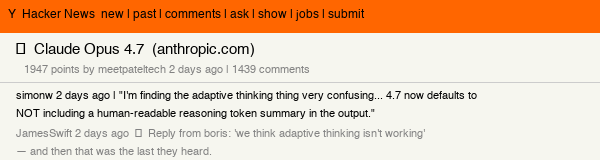
The HN thread on Claude Opus 4.7 hit 1,947 points with 1,439 comments — significant even by HN standards for a model launch. The discussion went immediately practical: developers testing adaptive thinking behavior, benchmarking the tokenizer inflation, and debating whether xhigh effort default justifies the cost increase.
The honest community verdict: the 45% tokenizer cost increase is real, and developers doing simple code generation are noticing it. But developers running complex agentic workflows — the exact use case these 7 secrets are designed for — are reporting fewer round-trips and better output quality than 4.6 at the same task. The math only works if you use the model the way its creator designed it to be used.
The "Start Here" Checklist
You don't need to implement all seven at once. Here's the order that gives the fastest return:
Day 1 (15 minutes):
- Enable Auto Mode (Shift+Tab)
- Add explicit success criteria to your next task prompt
Week 1 (1 hour total):
- Create a
CLAUDE.mdwith your project's conventions, anti-patterns, and past mistakes - Run
/fewer-permission-promptsafter your first three sessions and apply recommendations - Set up one slash command for your most-repeated workflow
Month 1:
- Establish verification loops for all long-running tasks (test commands, browser checks)
- Enable Recaps and learn your context rhythm across parallel sessions
- Try Focus Mode for a week of routine implementation work
Boris's own framing: "There is no one right way to use Claude Code — everyone's setup is different. You should experiment to see what works for you." The tips are starting points, not mandates.
The Context
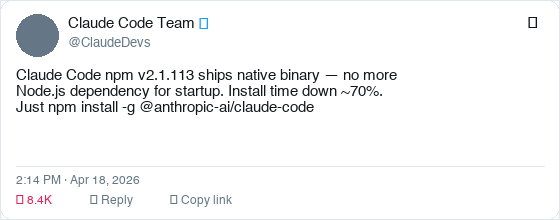
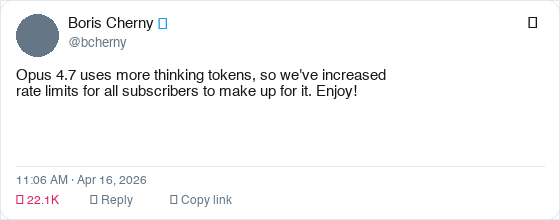
Boris's post landed on the same day Anthropic shipped Opus 4.7, native binary packages for Claude Code (no more Node.js startup dependency), raised rate limits for all subscribers, and fixed a long-context rate limit bug within hours of deployment. That's four coordinated launches in one day.
If you want to see how this fits into the broader Claude Code trajectory — including the scheduled agents and routines work that makes these workflow tips even more powerful when combined — that's worth reading before you go build.
And for the cost context: if you're comparing Claude Code to alternatives, the Anthropic vs OpenAI developer platform comparison has the current pricing breakdown including the Opus 4.7 tokenizer changes.
The creator built the tool with these patterns in mind. Now you have the map.
ComputeLeap Team
The ComputeLeap editorial team covers AI tools, agents, and products — helping readers discover and use artificial intelligence to work smarter.
Join the discussion
Have thoughts on this article? Discuss it on your favorite platform:
Related articles
Meta's Muse Wonder Scores Big and Delivers Little
Muse Wonder benchmarks near Opus 5.5 but hits 429 walls, reads private messages, and Polymarket gives Meta 1%.
The 'Best Model' Race Is Over. Here's What Actually Matters.
Polymarket's best-model market crashed 56%. Meta launched at commodity pricing. The moat moved to agents, data, and harness.
AI Cloned Your App Overnight. Now What?
REA hit 95K GitHub stars in days. AI reverse engineering is real, and the 'too hard to rebuild' moat just collapsed.
The ComputeLeap Weekly
Get a weekly digest of the best AI infra writing — Claude Code, agent frameworks, deployment patterns. No fluff.
WEEKLY. UNSUBSCRIBE ANYTIME.